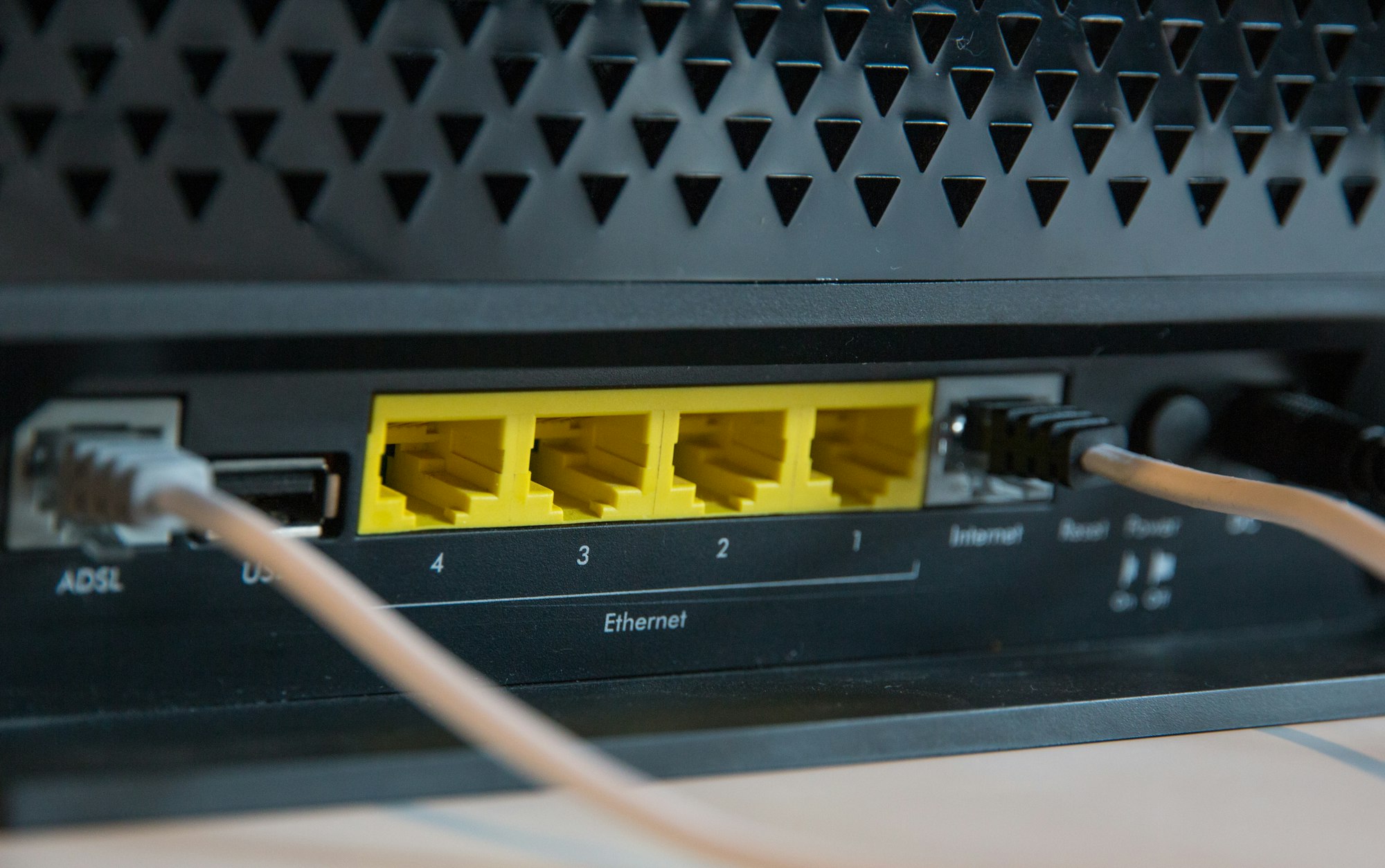
A recent visit to the family summer house led to a "bricking" of a WRT160NL router/access point while trying to upgrade to latest ddwrt firmware.
Here are the steps with links for the "unbricking".
The symptom was that the was a rapid blue led blinking.
A quick google search after I returned home revealed this link from Linksys.
But before searching for that, I resorted to the same "unbricking" tactics I've done to these devices earlier when I failed to flash two of them. (They used to be my main WIFI solution).
As a matter of fact, this device showed signs of intrusion since the warranty seal was broken and there where broken of plastic clips that was super-glued in place...
Anyway there are headers for a serial port (3.3V that well documented over at OpenWRT page, TX/RX and gound connected, power from the power adapter). I connected my USB to TTL-serial adapter to them and fired up putty to see what the device was stuck on.
The console output didn't give me any further help though, but at least I could see what was happening!
Back to the link mentioned earlier on Linksys page, I downloaded their TFTP utility and the latest linksys to ddwrt firmware from ddwrt page. After setting a static IP on my computer, I connected the power. As soon as I saw the link light being lit on the router, where my computer was connected, I pressed upload and to my happiness I was greeted with the success message.
After letting the device do it's think I restarted it and could once again find the device on the network.
Made this little write-up for the next time I screw up...